

Case Study 638 for Asus Laptop Cannot Turn On
A few days prior, Mr Y came to change his broken uppercase. The uppercase left a gap and there was risks to further component damage so he changed it. After that, Mr Y encountered a problem on his laptop. The laptop cannot turn on but it has power.
The technician starts troubleshooting and removed parts by parts to find the spoiled parts. after a few tests, it turns out one of the ram was spoiled.
The spoilt ram is replaced with a known good ram and the problem was solved. During troubleshooting, the technician noticed that the thermal paste has dried off so he recommends Mr Y to change the thermal paste. Mr Y agreed to change the termal paste then the tehnician proceeds to change the thermal paste.
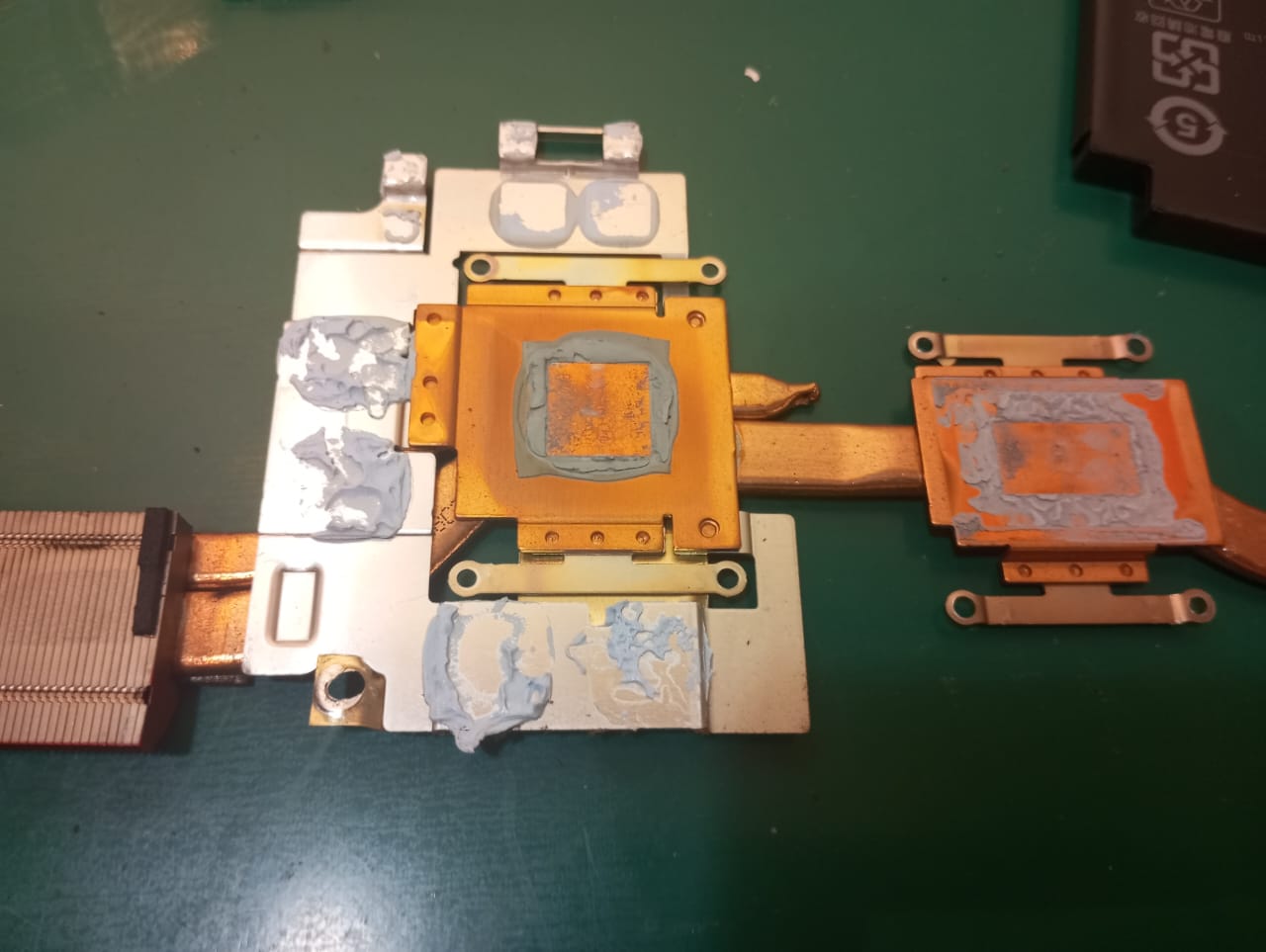
Several tests were run to make sure the laptop no longer has the same problem. After the tests were done, we informed Mr Y to come collect his laptop. We present the laptop to him and give him his old ram. Mr Y was satisfied with the outcome and went home with his laptop.
Laptop not turning on can be caused by a lot of problems. Spoilt software/firmware, hard disk/ssd, ram, battery, board, etc can all be the cause of the problem. In this case it was the ram and it can be resolved by replacing the ram with a known good ram.
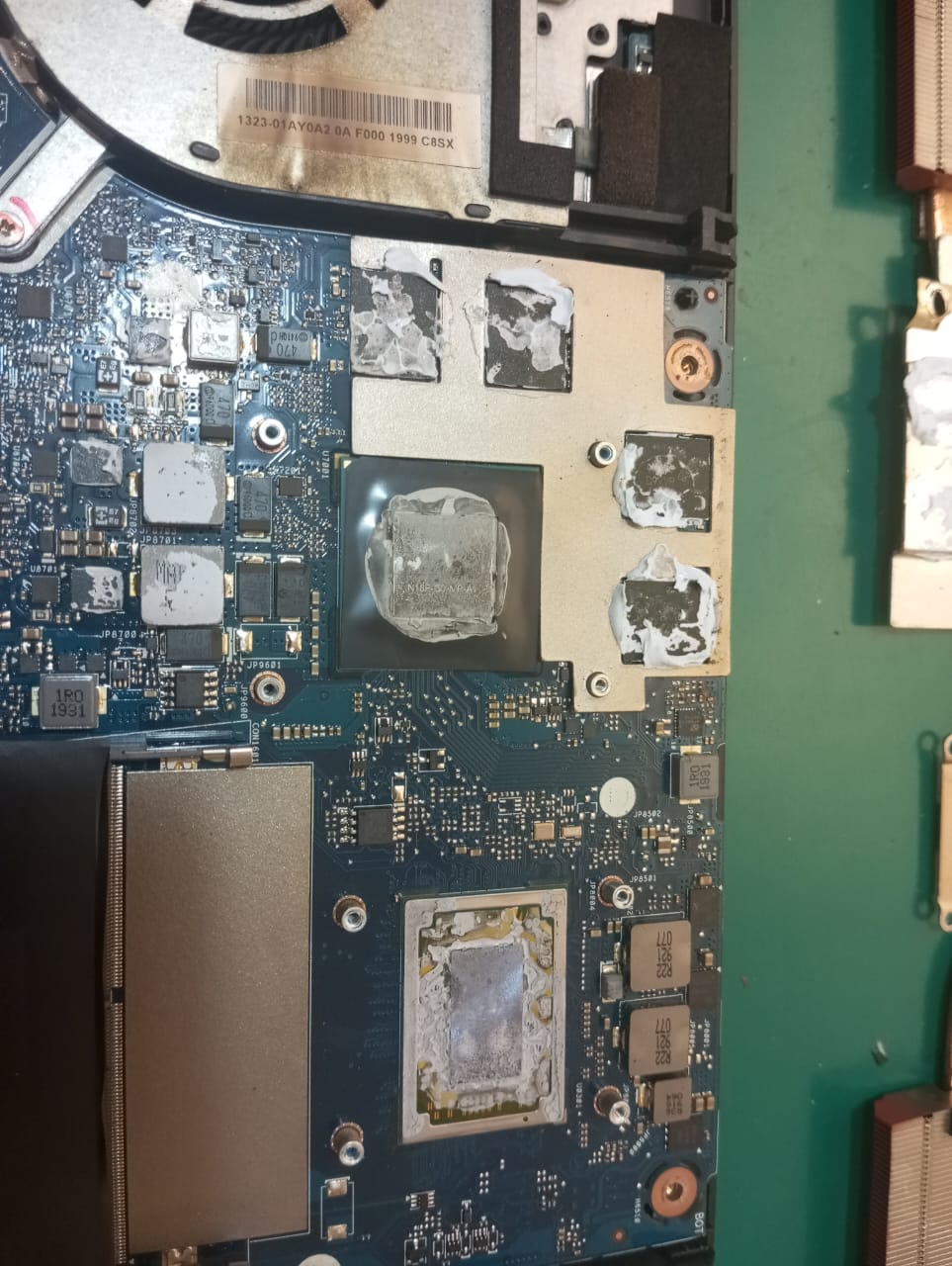
In this case, the thermal paste was dried and a dried thermal paste is not a good thing. The thermal paste needs to be replaced from time to time because it is one of the biggest factor that determines a laptop’s life and performance. Dried thermal paste causes the heatsink unable to disperse heat and cool down efficiently and when that happens the laptop’s temperature will rise to above optimal temperature which affect the performance of the laptop, increase the risk of damaging the parts of the laptop and decreasing the lifespan of the laptop. So remember to change the thermal paste of your laptop once in a while to prevent any future problems.