
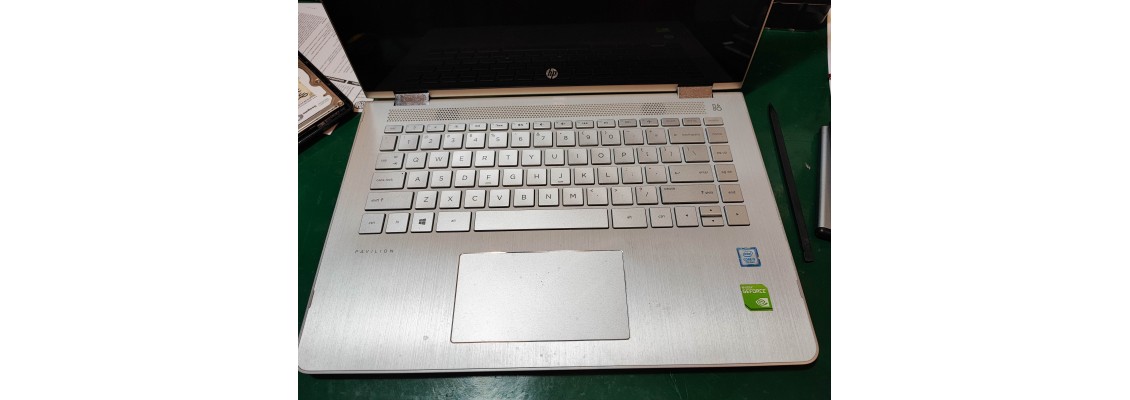
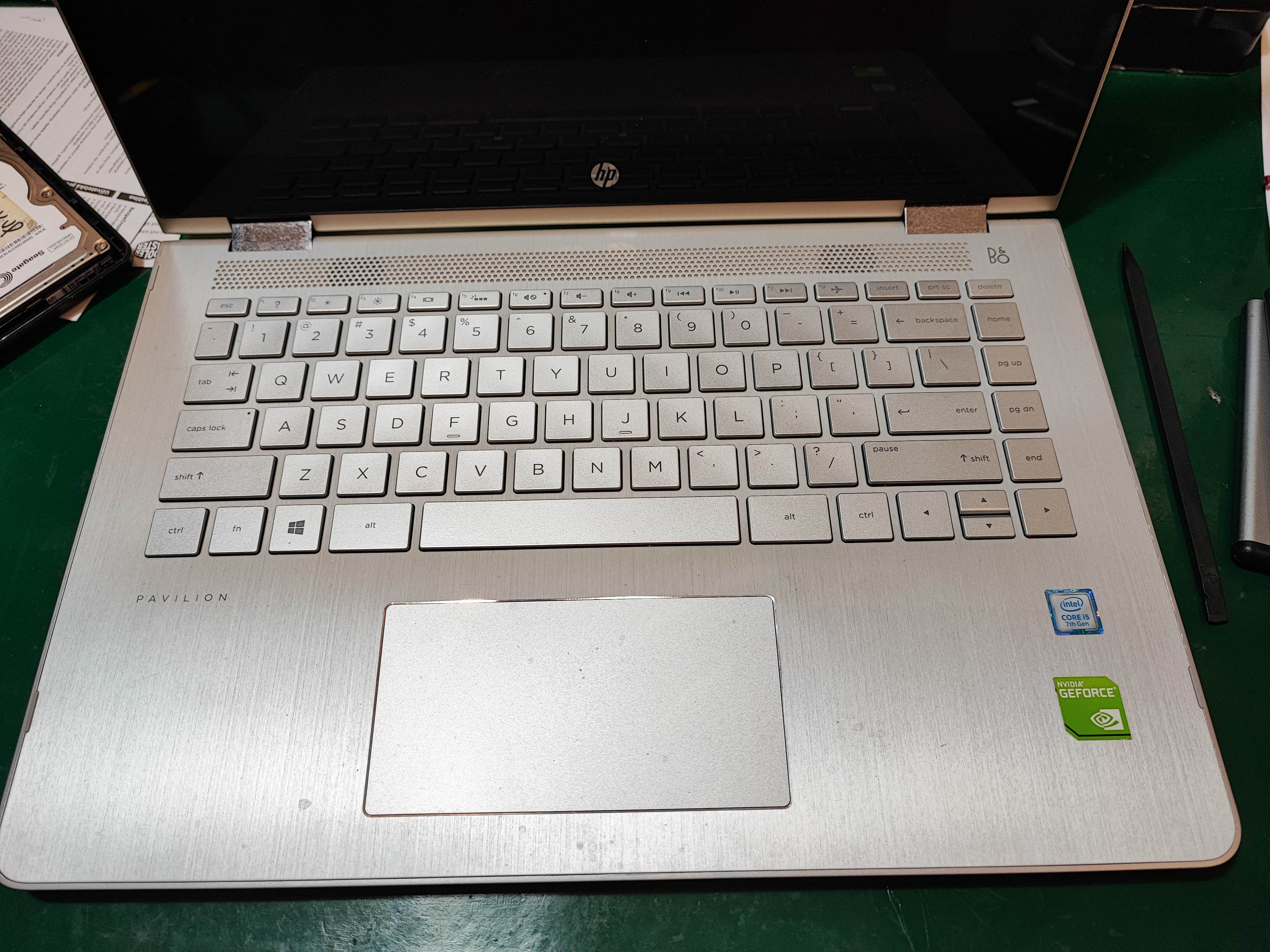
Case Study 609 For HP Pavilion Cannot Boot Windows
Mr Customer’s laptop cannot boot into windows and claimed because previously he forgotten the password and someone used a third party software to try and unlock the laptop but it suddenly goes into a blue screen. when he tries to boot, it said auto repair fails and he wants to backup the data and reformat the laptop.we verify the symptom above and ask Mr Customer to send in the laptop.
To back up the data, we need to take out the SSD from the laptop. following is the picture of the process to take out the SSD.
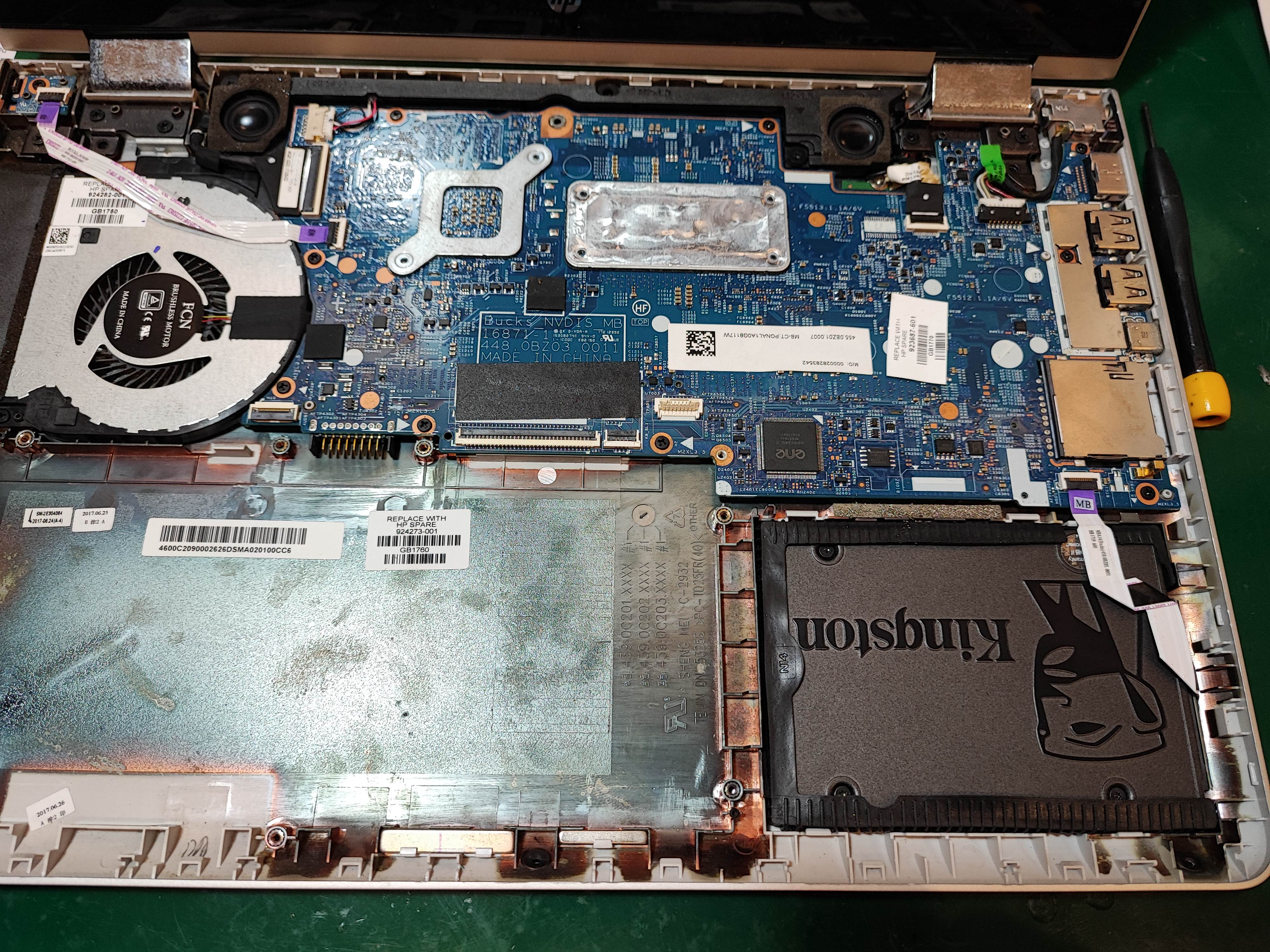
then, transfer the files from the SSD to another SSD. when the transfer is complete, place the SSD back into the laptop and reformat the laptop. we use dvd to reformat the laptop by deleting the previous data and reinstalling the windows in the dvd into the cleared SSD.
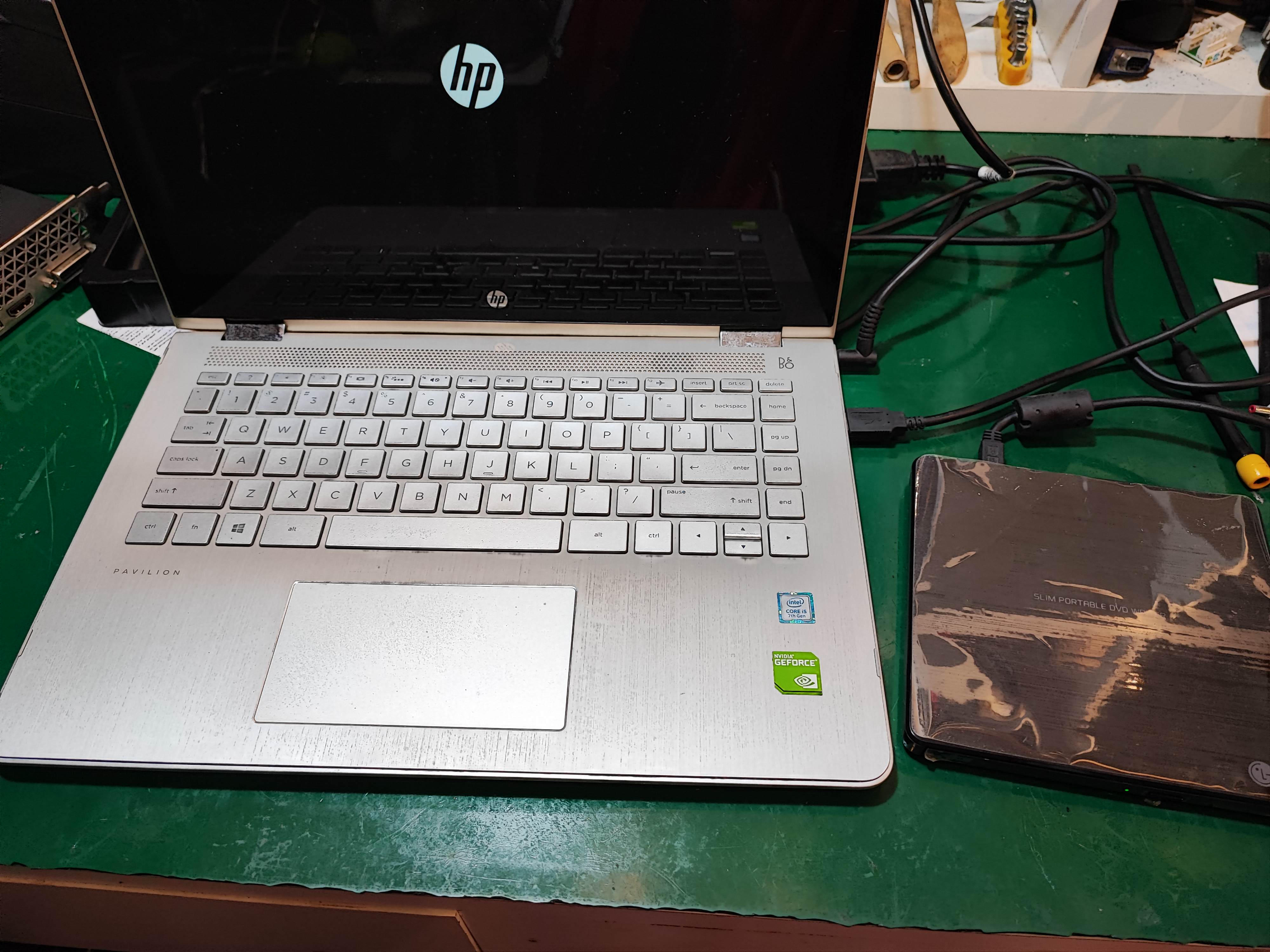
after the installation is finished, we download the software updates and run stress test.
after the laptop has passed the stress test, the backed up files are transferred back into the laptop.