
Kajian Kes 586: Komputer Terus Tertutup dengan Sendiri
Pelanggan itu berkata, komputer riba beliau terus tertutup dengan sendiri semasa sedang digunakannya. Kami meminta beliau untuk menunjukkan masalah tersebut supaya kami dapat mengesahkan simptomnya. Setelah pelanggan itu membuka komputer ribanya, ia tertutup dengan sendiri selepas beberapa minit. Juruteknik meminta pelanggan itu untuk menghantar komputer ribanya untuk kerja-kerja penyelesaian masalah.
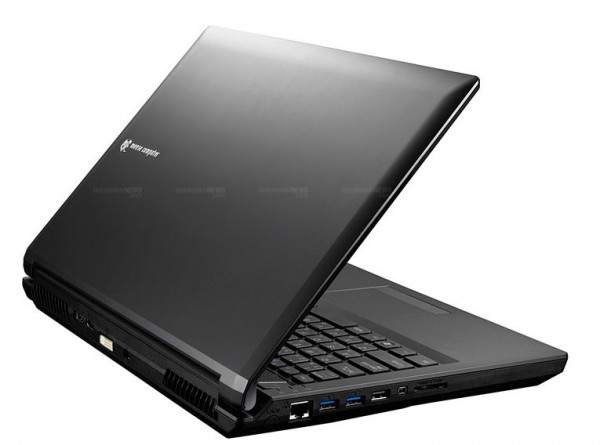
Pada mulanya, kami cuba hidupkan komputer riba itu dengan SSD yang diketahui berfungsi dengan baik, tetapi masalahnya masih berterusan. Kemudian, kami mula menguji RAM. Komputer riba itu mempunyai empat slot RAM dan empat batang RAM. Jadi, kami tanggalkan satu batang RAM dan jalankan ujian tekanan untuk melihat jika komputer riba itu tertutup dengan sendirinya. Semasa ujian tekanan, juruteknik mendapati suhunya tinggi dan komputer riba mungkin tertutup secara automatik kerana terlalu panas. Jadi, juruteknik bertanya kepada pelanggan itu sama ada beliau mahu menukar pes terma (thermal paste) atau tidak, dan beliau bersetuju.
Juruteknik menukar pes terma, dan suhunya memang menurun, tetapi masalahnya tidak selesai. Kami cuba biarkan komputer riba itu berehat semalaman. Keesokan paginya, kami mengujinya, tetapi simptomnya muncul semula selepas beberapa jam ujian tekanan dijalankan. Kami mengesyaki ia sama ada masalah papan litar atau butang kuasa tidak berfungsi dengan baik. Apabila kami tukar fungsi butang kuasa kepada mod tidur (sleep), komputer riba itu tidur secara automatik dan bukannya tertutup. Memandangkan komputer riba itu adalah jenama Jepun, pembaikan papan litar tidak dapat dilakukan di Malaysia. Malangnya, pelanggan itu memutuskan untuk tidak membaiki komputer riba tersebut kerana ia terlalu banyak menyusahkan.